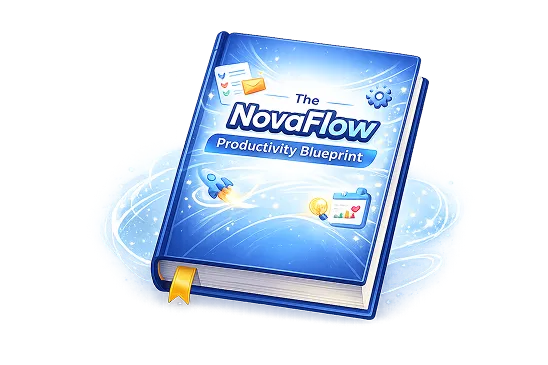
Let work flow automatically and free yourself from tedious tasks
NovaFlow creates AI-powered intelligent workflows to help you achieve fully automated office work and double your efficiency
AI-powered, 10x faster than traditional tools


Running Your Business Shouldn’t Feel This Complicated
Even if you only meet one of the following three criteria



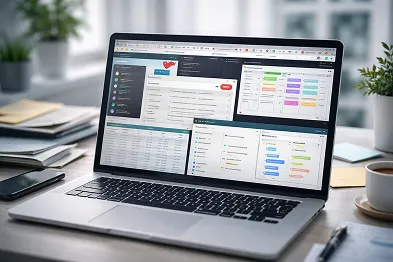
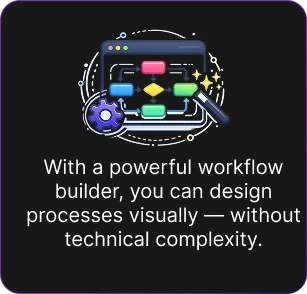
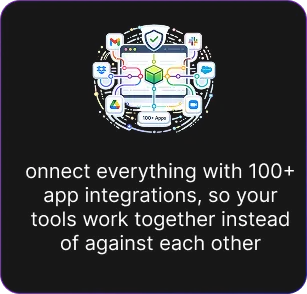
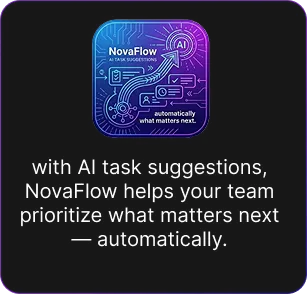
NovaFlow provide you:
WHY IS NovaFlow
Built for Growing Teams
NovaFlow is designed for companies that:
What Clients Are Saying
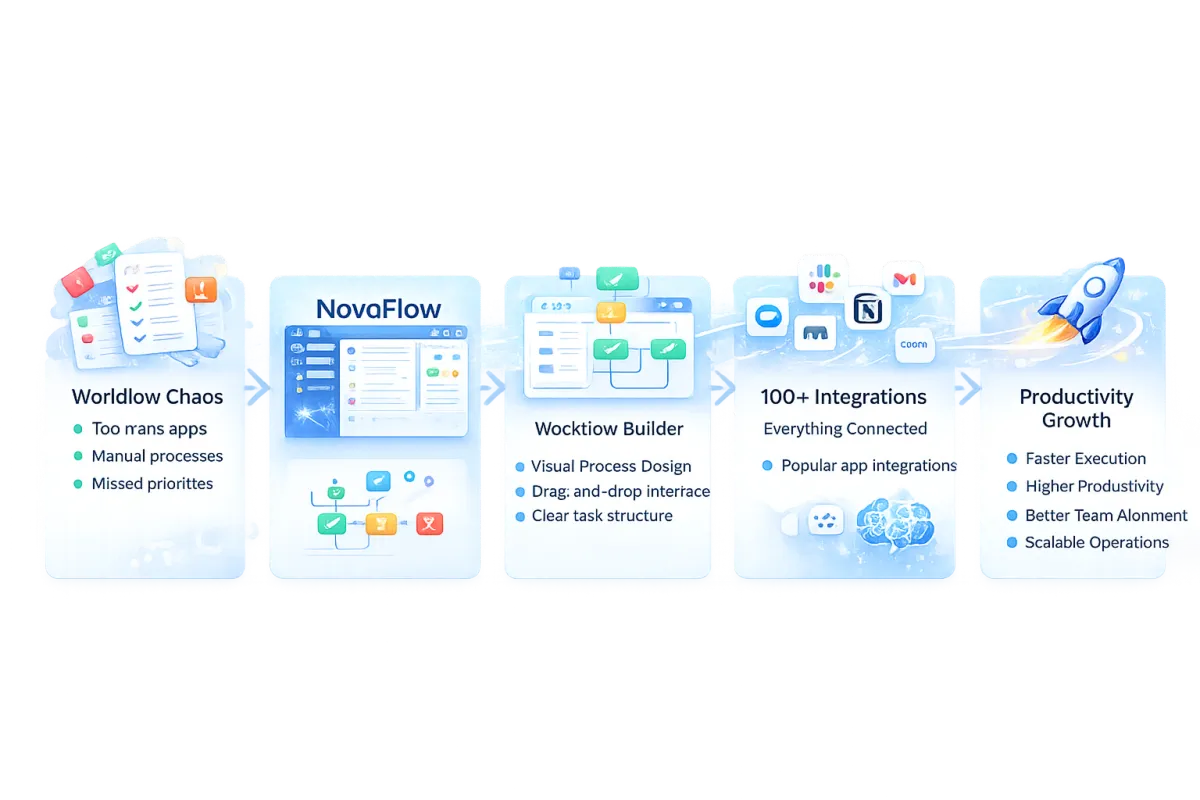
From Scattered Work to Seamless Workflow
"NovaFlow helped us reduce process delays by 38% in the first month"
This platform has completely transformed how we manage our marketing campaigns. The ease of use and powerful features have made a significant impact on our ROI.
The automation capabilities are incredible. We've saved countless hours and improved our customer engagement significantly.
The analytics and reporting features give us insights we never had before. Our conversion rates have improved by 40%.
This platform has revolutionized our business operations. The seamless integration and powerful features have helped us scale our marketing efforts efficiently while maintaining excellent customer relationships.

NovaFlow brought clarity to our chaotic workflows. We can now manage everything in one place without complexity. The automation and integrations save us hours every week. Our team is more productive and focused than ever.

"How NovaFlow Transforms Your Workflow"
Frequently Asked Questions
What is NovaFlow?
NovaFlow is a workflow management platform that helps teams organize, automate, and connect their processes in one place. It replaces scattered tools with a single, streamlined system.
Who is NovaFlow for?
NovaFlow is designed for teams, startups, and businesses that want to improve productivity, reduce manual work, and gain clarity across their workflows.
Do I need technical skills to use NovaFlow?
No. NovaFlow’s visual workflow builder is designed to be intuitive and easy to use—no coding or technical expertise required.
What can I automate with NovaFlow?
You can automate task assignments, approvals, notifications, and repetitive processes—helping your team save time and reduce errors.
Does NovaFlow integrate with other tools?
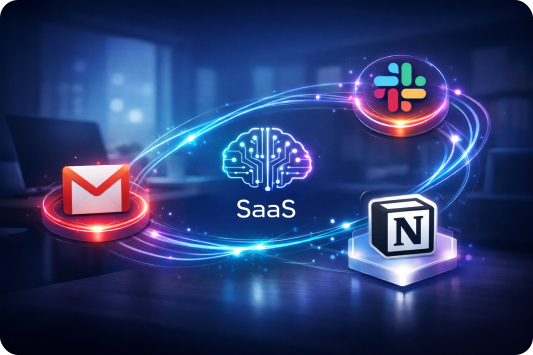
Yes. NovaFlow supports 100+ app integrations, allowing you to connect tools like Slack, Gmail, Notion, and more—so everything works together seamlessly.
Is my data secure?
NovaFlow follows modern security practices to ensure your data is protected and safely managed.
Is there a free trial?
Yes. You can try NovaFlow for free and explore its features before committing.
Automate Your Daily Workflow in Minutes-14day free trial
Save time, work smarter, get peace of mind
Add Subtext text. Click "Edit Text" to update the font, size and more.
To change and reuse text themes, go to Site Styles.